AnyDesk | Remote Computer Access Made Easy
Published on May 16, 2019 · Niwo
- Native Portability: A Key Advantage
- Installing AnyDesk
- File Transfer: Simplicity and Efficiency
- Limitations of the Free Version
- AnyDesk vs TeamViewer: Which One to Choose?
- AnyDesk is Secure: Encryption and Protection
- How Does AnyDesk Work?
- AnyDesk Download: Compatibility and Flexibility
- More Information: Additional Resources
AnyDesk has positioned itself as a popular alternative to TeamViewer in the remote assistance field. In this article, we’ll explore the features that make AnyDesk unique and why you should consider using it if you need a remote access system for personal use.
Native Portability: A Key Advantage
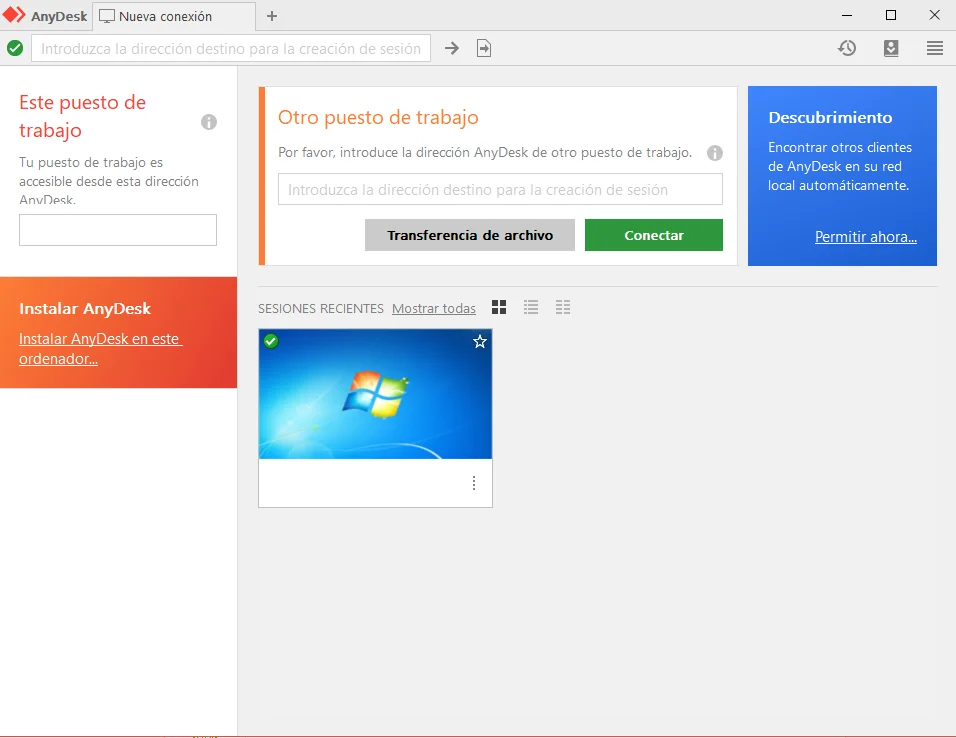
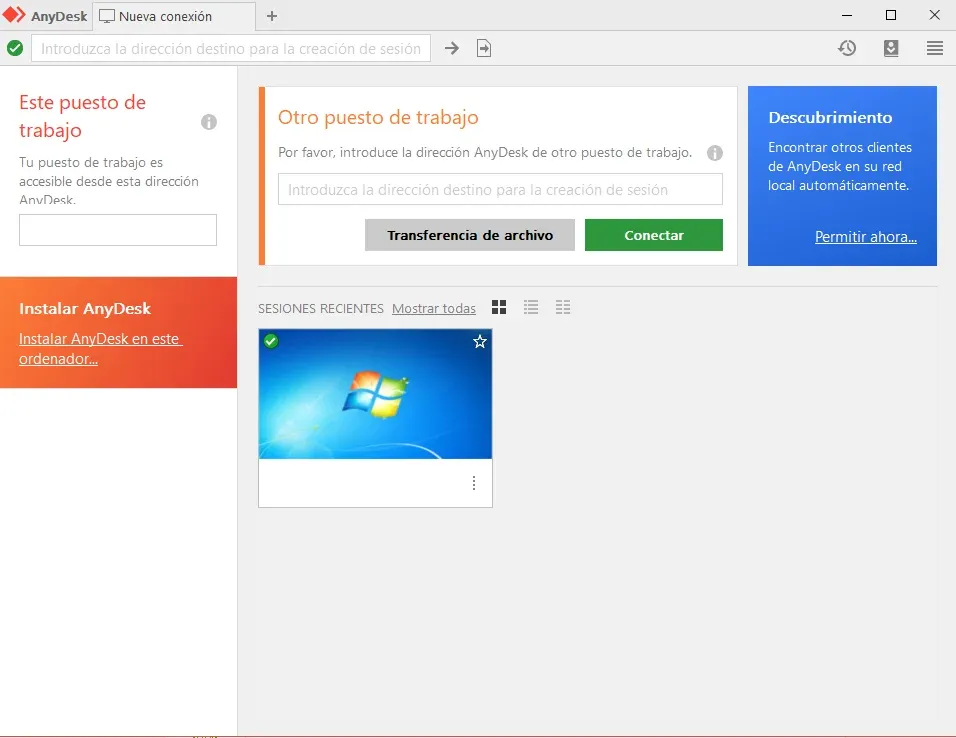
One of the most interesting features of AnyDesk is its portability. From the first time you run it, you can choose to use the “AnyDesk Portable” version, an official option that allows you to launch the software simply by running the downloaded file from its website, without needing installation. This facilitates its use on different computers and environments.
Installing AnyDesk
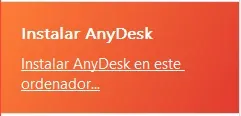
If you prefer to install AnyDesk, the process is straightforward: just click on “Install Anydesk on this computer…” and follow the steps. The installation is intuitive and efficient. Personally, I like it much better than other similar programs, although, as with everything, it has its limitations (which we’ll see later).
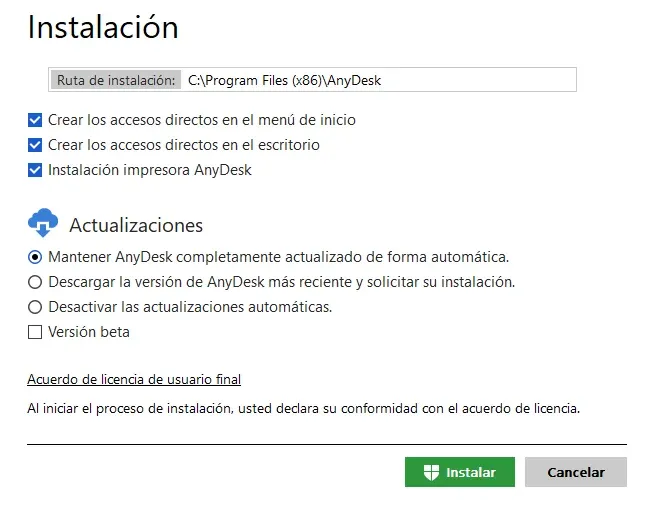
During installation, you can choose whether to create a shortcut on the desktop and enable free updates, a very useful novelty for keeping your software always up to date. This allows AnyDesk to run in the background, ready to offer you remote access to your computers.
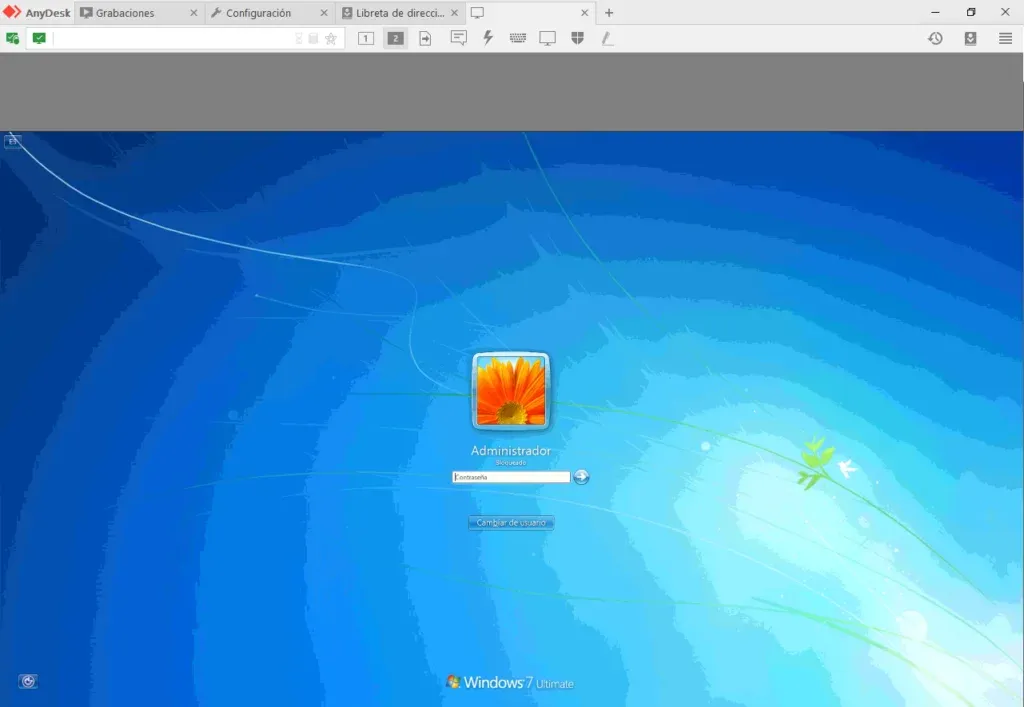
For unattended access, it is essential to set a password, as AnyDesk prioritizes security and does not allow access without authorization. This measure is crucial, especially if you access your personal computer from another location or need to recover a forgotten file.
File Transfer: Simplicity and Efficiency
File transfer is very easy with AnyDesk. When starting a session on another computer, you can choose between controlling the entire computer or simply “start file transfer.” This allows you to send and receive files seamlessly, at the speed allowed by your connection on both sides (obviously, don’t expect to transfer 10 MB/s with a 0.7 MB upload).
Limitations of the Free Version
It is important to know the limitations of the free version before starting to use AnyDesk:
- No address book: You cannot synchronize your saved sessions between different installations of AnyDesk.
- Personal use only: The free version is not permitted for commercial purposes.
If your usage is purely personal, make sure you do not violate these limitations. Fortunately, licenses are relatively affordable if you need to use AnyDesk in a professional environment.
AnyDesk vs TeamViewer: Which One to Choose?
Comparing AnyDesk and TeamViewer can be complicated, as both offer similar functionalities. The main difference lies in the address book: AnyDesk does not have one, while TeamViewer does. However, an advantage of AnyDesk is that, at least so far, I haven’t experienced connection time limits in the free version, a common problem with TeamViewer.
Ultimately, the choice depends on your personal preferences. I prefer AnyDesk to access my personal computer from anywhere, especially when I need help with basic tasks like opening a game.
AnyDesk is Secure: Encryption and Protection
Before asking ourselves if AnyDesk is secure, let’s look at how its security system works. It’s not simply about connecting computers; AnyDesk uses advanced protocols to protect your communications.
How Does AnyDesk Work?
According to their official website, AnyDesk employs TLS 1.2, a cryptographic protocol that guarantees the security of end-to-end communications. In addition, it uses RSA 2048 to verify connections, providing robust encryption and protecting your data.
If you want to verify this information directly from the source, you can visit their Features Page.
AnyDesk Download: Compatibility and Flexibility
If you are looking for download links, AnyDesk offers wide compatibility with different operating systems: Windows, macOS, Android, iOS, Linux, FreeBSD, and Raspberry Pi. Plus, the download is free.
Download Links: