OpenSource Alternative for Remote Desktop: RustDesk
Published on April 14, 2023 · Niwo
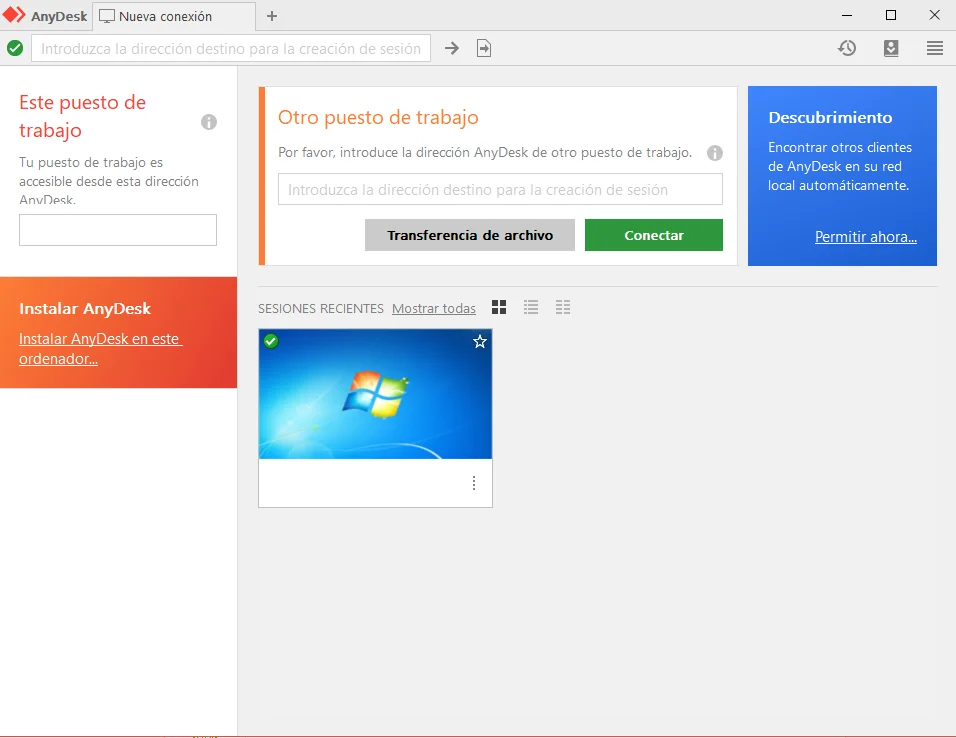
RustDesk has become an essential tool for providing remote support, allowing connections to computers in a practically unattended manner. When we think about this type of tool, we usually hear names like TeamViewer or AnyDesk, very well-known alternatives that offer free personal use, but require a paid plan to access enterprise features.
If you can’t afford these options, RustDesk is an excellent open source alternative. Although it was initially difficult to find open-source solutions with similar functionality, RustDesk has emerged as a system very similar to AnyDesk, with completely free servers and no additional costs for its services. Its public nodes are free to use, although their speed may not be optimal in all cases. However, it is a great alternative, and if you need greater performance, you can always deploy your own node.
How to install RustDesk on a PC to control it in the future?
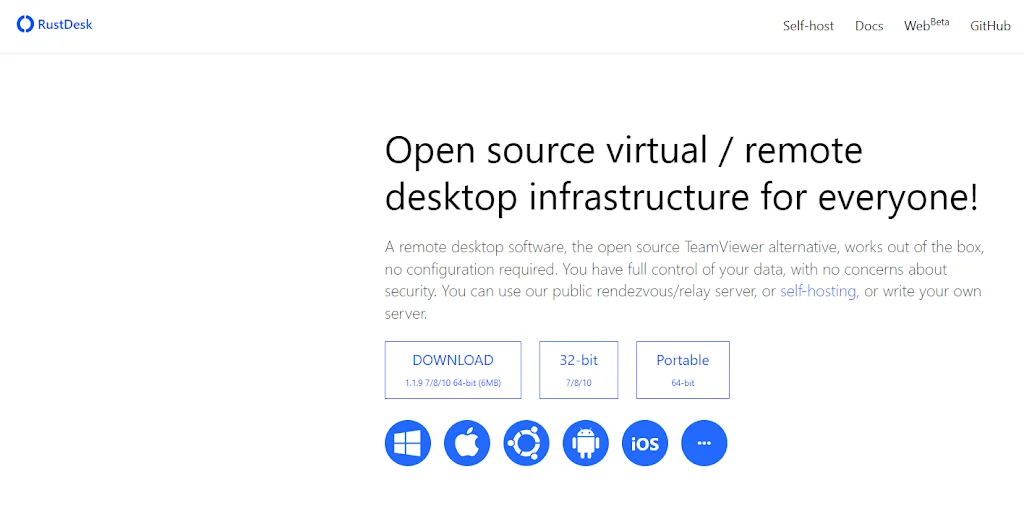
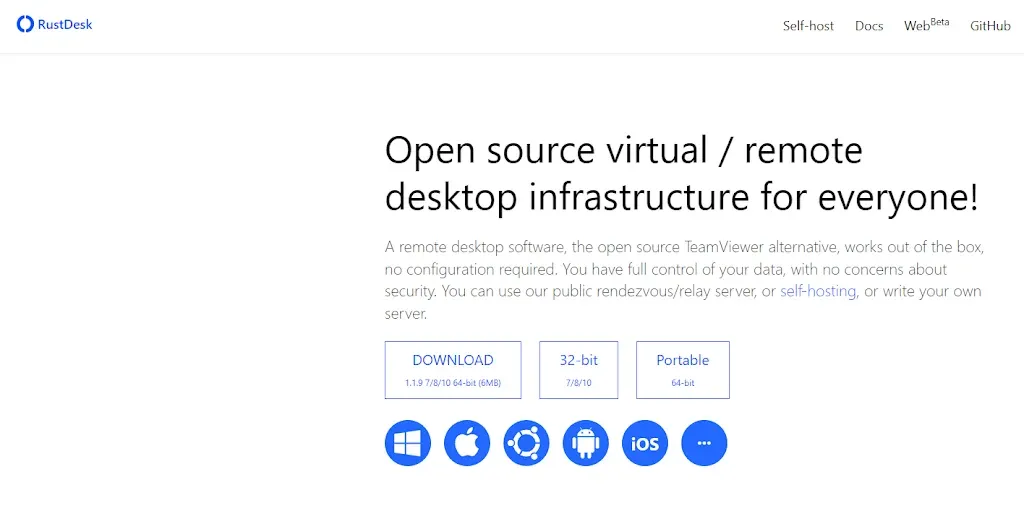
The installation process is simple. The first thing you should do is download the installer from its official website to avoid possible problems:
Once downloaded, extract the ZIP file. Inside you will find the application installer. Drag it to a folder of your preference.

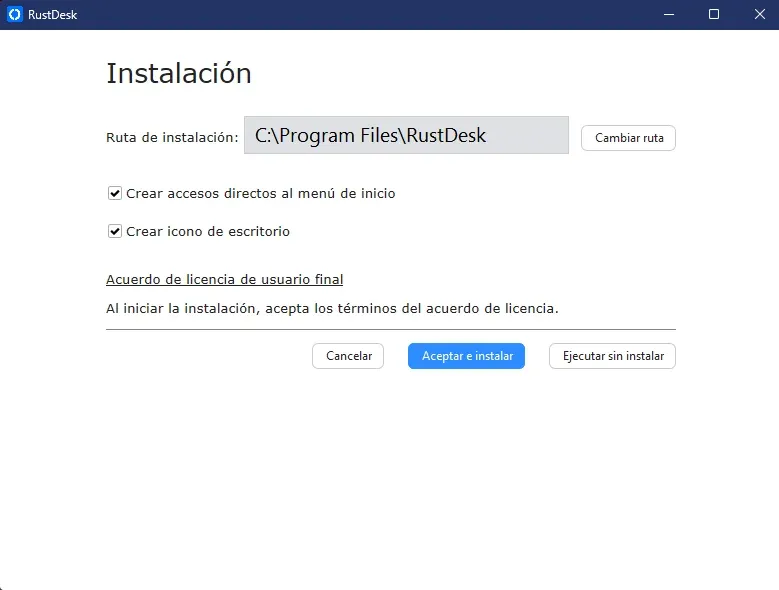
After extracting it, simply click on the installer and the installation window will open. You will have the option to run RustDesk without installing it or install it directly on your computer. If you plan to access this PC remotely constantly, I recommend installation.
Once installed, you will have access to the RustDesk panel, from where you can connect to other computers and obtain the connection data for your own computer. It is important to highlight that in this section you can also configure a static connection key. If you do not want to configure it, you can use the randomly generated key when opening the application.
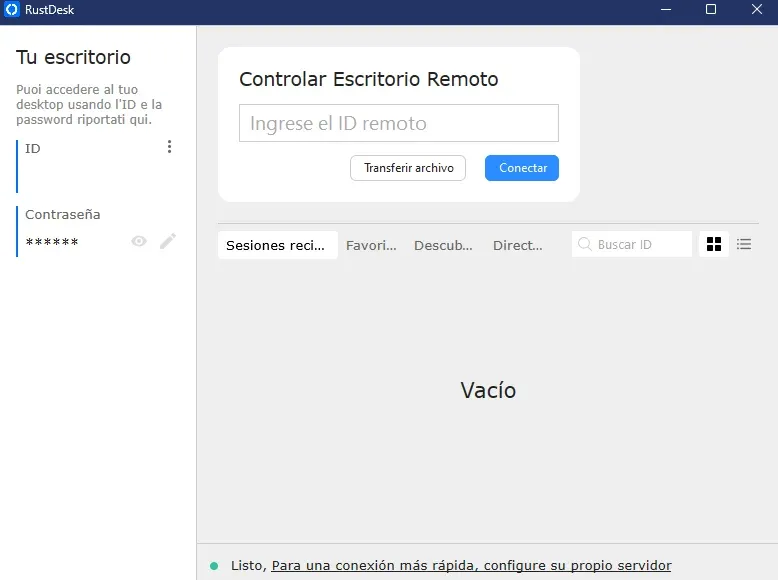
How do I set up a key for unattended access?
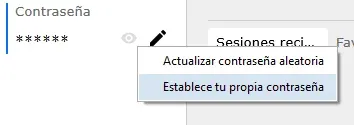
To configure a remote access key that does not change unless you indicate it, simply click on the pencil icon next to the key. You will be asked if you want to update the dynamic key or set your own.
Conclusion of RustDesk
As we have seen, RustDesk offers many of the features of AnyDesk and seeks to replicate the functionality of applications like TeamViewer. If speed is not a critical factor, it is an excellent alternative, as its public servers are not slow. In addition, it allows you to manage your own node without any inconvenience.
This provides great reliability if you are looking for a proprietary solution for a company that needs to perform numerous internal remote technical assists. With RustDesk, implementation is simple and offers flexibility that is not found in its competitors. Furthermore, being Open Source, you can consult its source code in its GitHub repository.